
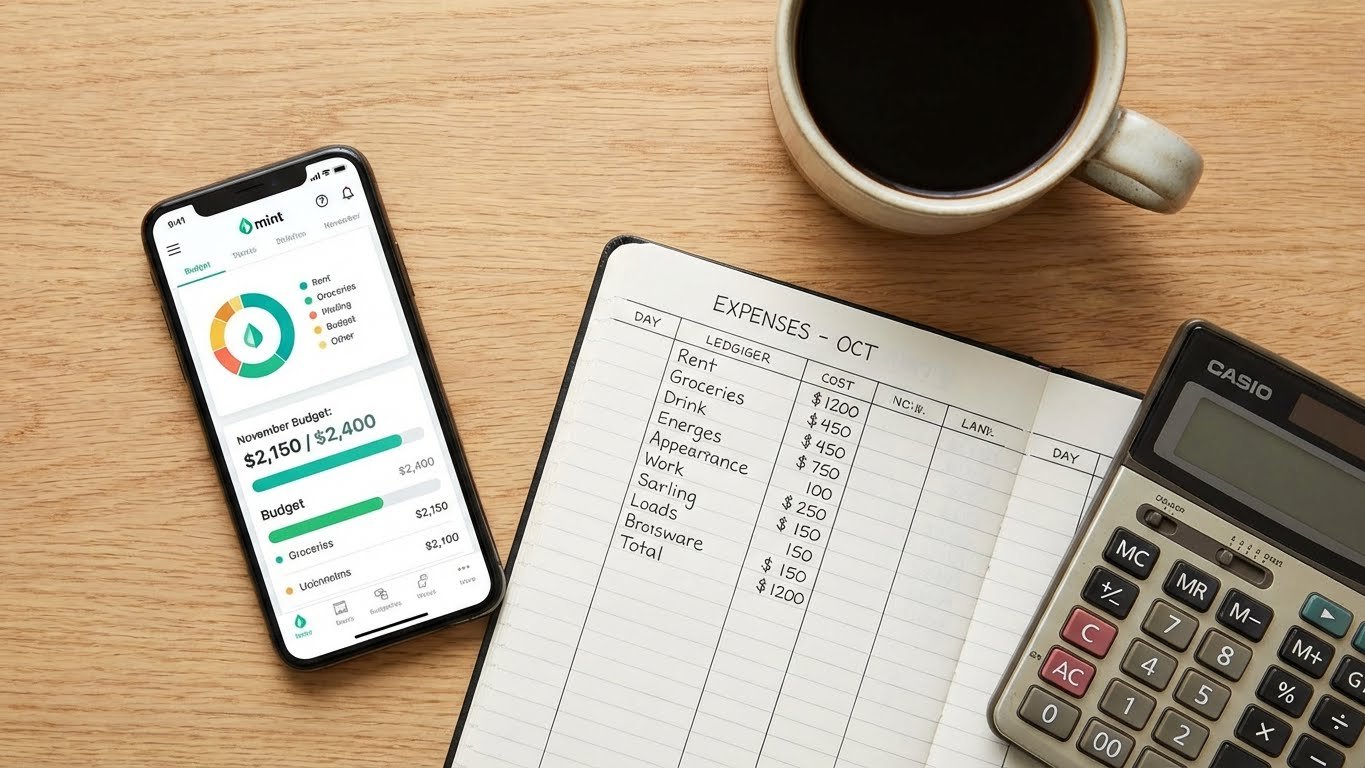
The best free budgeting tools for beginners include Goodbudget, PocketGuard, Empower, Google Sheets, and EveryDollar. These platforms provide essential financial functions ranging from digital envelope systems and automated expense tracking to investment monitoring and customizable spreadsheet templates. Selecting an appropriate tool assists users in managing cash flow effectively without incurring monthly subscription costs.
Managing personal finances requires consistent tracking and organized data. Beginners often struggle with complex software or expensive subscriptions. Free tools offer a low-risk entry point for developing better financial habits. This guide analyzes five distinct platforms to help you determine which software aligns with your financial goals.
This content is for informational purposes only and should not be considered financial advice.
1. Goodbudget: Best for Envelope Budgeting
Goodbudget operates on the digital envelope system. This method involves allocating specific amounts of money to categories such as groceries, rent, and entertainment. Users stop spending in a category once the allocated funds run out. Goodbudget translates this traditional method into a mobile application.
Core Features
The free version of Goodbudget includes 10 regular envelopes and 10 “more” envelopes. Users can access their accounts on two devices. This facilitates budget sharing between partners or family members. The application provides reports on spending patterns and income vs. expense breakdowns.
Why It Works for Beginners
Visualizing limits prevents overspending. Users manually input transactions, which forces an awareness of every dollar spent. This manual entry reinforces discipline. The interface is intuitive and avoids the clutter of investment charts or complex bank synchronizations found in other apps.
Pros and Cons
- Pros: Encourages discipline through manual entry, supports cross-device syncing, visualizes spending limits clearly.
- Cons: Lacks automatic bank syncing in the free tier, limited to a specific number of envelopes.
2. PocketGuard: Best for Simplified Expense Tracking
PocketGuard answers the question, “How much can I spend right now?” The application calculates a “In My Pocket” number by subtracting bills, savings goals, and pre-planned expenses from income. This simplifies decision-making for discretionary spending.
Core Features
The platform links to bank accounts to categorize transactions automatically. It detects recurring bills and subscriptions. PocketGuard identifies opportunities to lower bills by analyzing recurring charges. The algorithm categorizes expenses into clear sections, allowing users to see where money goes instantly.
Why It Works for Beginners
Beginners often find complex ledgers overwhelming. PocketGuard removes the need for detailed mental math. The simplified interface focuses strictly on available cash flow. This prevents overdrafts and ensures bills receive payment on time.
Pros and Cons
- Pros: Automated transaction tracking, “In My Pocket” calculation simplifies spending, bill negotiation features.
- Cons: The free version has ads, limited reporting history compared to the premium version.
3. Empower: Best for Wealth Tracking
Empower (formerly Personal Capital) combines budgeting with investment tracking. It suits individuals who want a holistic view of their net worth. While the budgeting features are less granular than zero-based tools, the dashboard provides a high-level overview of financial health.
Core Features
Users link all financial accounts, including checking, savings, credit cards, 401(k)s, and IRAs. The dashboard displays cash flow, net worth, and portfolio performance. The “Retirement Planner” tool simulates future scenarios based on current savings rates.
Why It Works for Beginners
Understanding net worth motivates long-term saving. Empower allows users to see liabilities alongside assets. The cash flow tool tracks income and expenses automatically. This feature helps users monitor spending trends over months or years.
Pros and Cons
- Pros: Comprehensive net worth dashboard, excellent retirement planning tools, completely free financial tools.
- Cons: Budgeting features lack customization, sales calls for wealth management services may occur.
4. Google Sheets: Best for Customization
Google Sheets offers the ultimate flexibility for those who prefer manual control. Users can build budgets from scratch or utilize pre-made templates like the “Aspire Budget” or simple monthly trackers. It requires no bank linking, ensuring complete data privacy.
Core Features
Spreadsheets allow for infinite customization. Users can create custom formulas, charts, and pivot tables. Templates specifically designed for the 50/30/20 rule or zero-based budgeting are widely available. Google Sheets syncs across all devices instantly.
Why It Works for Beginners
Building a spreadsheet forces a deep understanding of income and expenses. There are no hidden fees or feature gates. Users learn valuable data management skills while tracking their money. It accommodates irregular income streams better than rigid apps.
Pros and Cons
- Pros: Offers infinite customization, maintains privacy, works offline, costs nothing.
- Cons: Requires manual data entry, high learning curve for formulas, no automatic alerts.
5. EveryDollar: Best for Zero-Based Budgeting
EveryDollar follows the zero-based budgeting philosophy propagated by Dave Ramsey. The goal is to assign every dollar a specific job before the month begins. Income minus expenses must equal zero.
Core Features
The free version of EveryDollar requires manual transaction entry. Users create customizable categories and set planned amounts for each. The interface is clean and strictly focused on the current month’s budget. It tracks progress toward savings goals within the main dashboard.
Why It Works for Beginners
Zero-based budgeting prevents money from “disappearing.” Beginners benefit from the active management required by the free version. The simple drag-and-drop interface makes adjusting allocations easy. It aligns well with debt payoff strategies like the debt snowball.
Pros and Cons
- Pros: Simple interface, promotes intentional spending, ideal for zero-based budgeting.
- Cons: No bank syncing in free version, pushes Ramsey Solutions products, manual entry can be tedious.
Comparison of Free Budgeting Tools
Comparing features side-by-side assists in selecting the right software. The following table outlines the primary use cases and platforms for each tool.
| Tool Name | Best For | Primary Method | Platform |
|---|---|---|---|
| Goodbudget | Couples & Planners | Envelope System | Web, iOS, Android |
| PocketGuard | Spenders | Cash Flow Tracking | iOS, Android |
| Empower | Investors | Net Worth Tracking | Web, iOS, Android |
| Google Sheets | DIY Enthusiasts | Custom Spreadsheets | Web, iOS, Android |
| EveryDollar | Debt Payoff | Zero-Based Budgeting | Web, iOS, Android |
Key Factors When Choosing a Budgeting Tool
Selecting the correct tool depends on specific financial habits and goals. Consider the following factors before creating an account.
Automation vs. Manual Entry
Automated tools like Empower and PocketGuard save time. They pull data directly from bank feeds. This suits users who want a quick overview. Manual tools like Goodbudget and the free version of EveryDollar require users to input every transaction. This suits users who need to correct spending behavior through active engagement.
Security Protocols
Financial apps utilize bank-level encryption. Look for 256-bit encryption and multi-factor authentication (MFA). Reputable apps do not store banking login credentials directly. They use third-party aggregators like Plaid or Yodlee to access data securely. Verify the security page of any application you download.
Reporting and Visualization
Visual learners benefit from charts and graphs. Empower and PocketGuard excel at visualizing data. Spreadsheet users can generate custom reports in Google Sheets. Clear reporting helps users identify “budget leaks” where spending exceeds expectations.
Effective Budgeting Methods for Beginners
A tool is only as effective as the method behind it. Combining software with a strategy ensures long-term success. Government resources like Consumer.gov offer foundational advice on creating a budget plan.
The 50/30/20 Rule
Senator Elizabeth Warren popularized this method. It allocates 50% of income to needs, 30% to wants, and 20% to savings. PocketGuard works well with this method because it categorizes spending automatically.
Zero-Based Budgeting
This method ensures income minus expenses equals zero. Every dollar has a purpose. EveryDollar and Google Sheets facilitate this approach effectively. It requires detailed planning at the start of every month.
The Envelope System
This cash-based system moves to the digital realm with Goodbudget. It stops spending strictly when the category limit is reached. This method prevents debt accumulation effectively.
Final Thoughts on Financial Management
Building financial stability starts with tracking expenses. The tools listed above remove the barrier of entry by offering robust features at no cost. Goodbudget suits those who need strict category limits. Empower serves those looking at the bigger picture of wealth. PocketGuard simplifies daily spending decisions.
Consistency matters more than the specific tool selected. You will improve your financial security if you review your chosen app weekly. Start with one tool, commit to it for several months, and evaluate the results.
Last updated: January 10, 2026
Frequently Asked Questions
Is Mint still available for budgeting?
No, Mint shut down and migrated users to Credit Karma. Credit Karma offers some financial tracking features but lacks the comprehensive budgeting tools Mint provided. Users seeking a direct replacement often switch to Empower or PocketGuard.
Are free budgeting apps safe to use?
Yes, reputable free budgeting apps use bank-level encryption to protect user data. They typically use secure third-party aggregators like Plaid to read financial data without storing login credentials. Users should enable two-factor authentication for added security.
Can I budget effectively without linking my bank account?
Yes, apps like Goodbudget and EveryDollar (free version) function without bank links. Manual entry tools provide greater privacy and force users to pay closer attention to their spending habits.
What is the best app for couples sharing finances?
Goodbudget is highly rated for couples because it allows syncing across multiple devices on the free plan. Partners can share household “envelopes” and track joint spending in real-time.
How often should I check my budgeting app?
You should check your budgeting app at least once a week to categorize transactions and monitor progress. Checking daily improves awareness and prevents end-of-month surprises.